Walkthrough
How Giving HQ works, step by step
A play-by-play tour of the whole tool, using our example nonprofit NY Pet Foundation — from finding your organization to copying finished prompts into your favorite AI tool. The whole thing takes about five minutes.
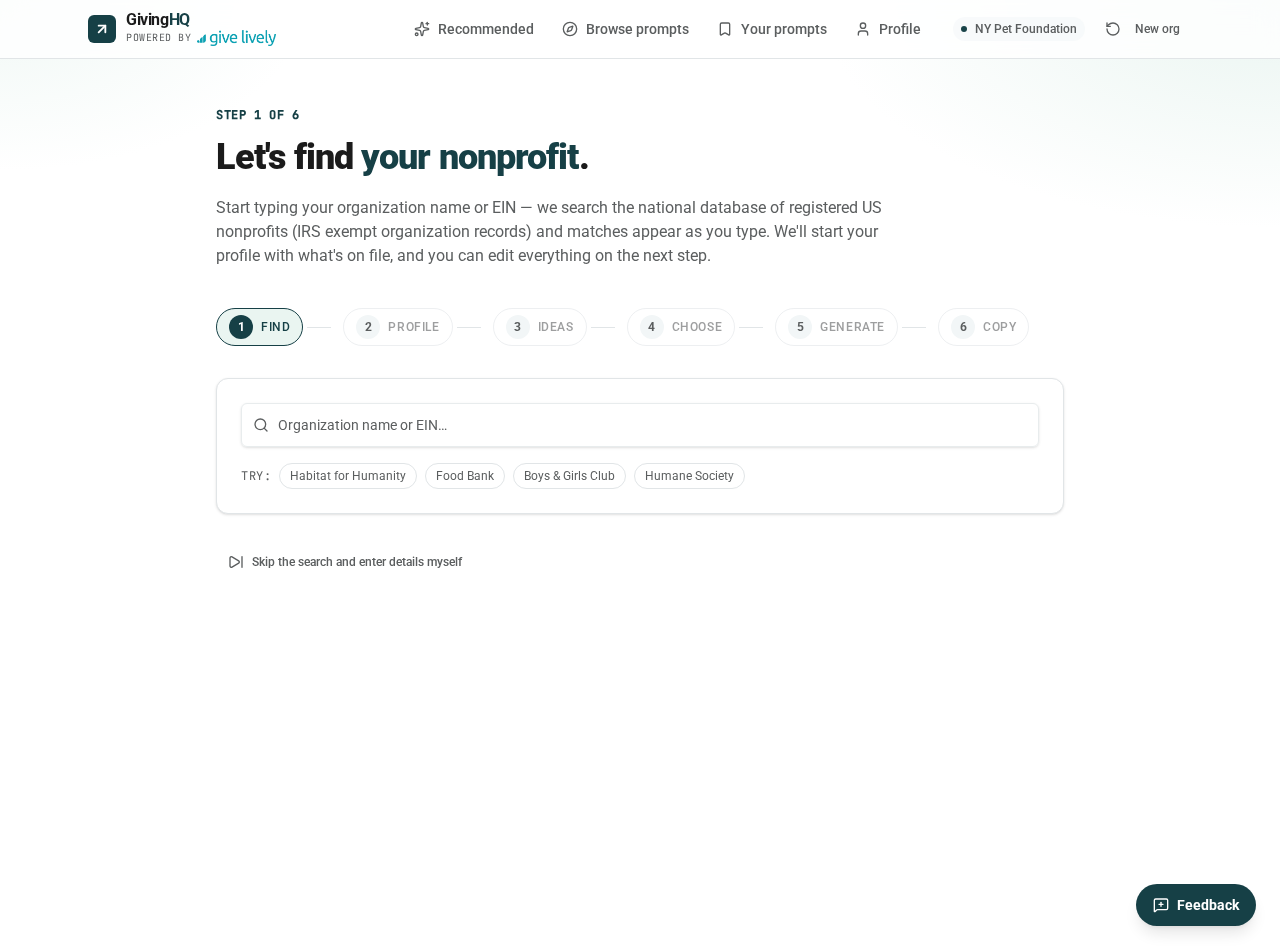
Find your nonprofit
Start by typing your organization's name. Giving HQ searches the national nonprofit database as you type, so you'll usually see your organization appear after a few letters — select it and we'll look up the public details for you.
For our example, we're using NY Pet Foundation, a fictional volunteer-powered animal rescue in New York. If your organization doesn't appear, you can always enter the details manually.
Build your profile
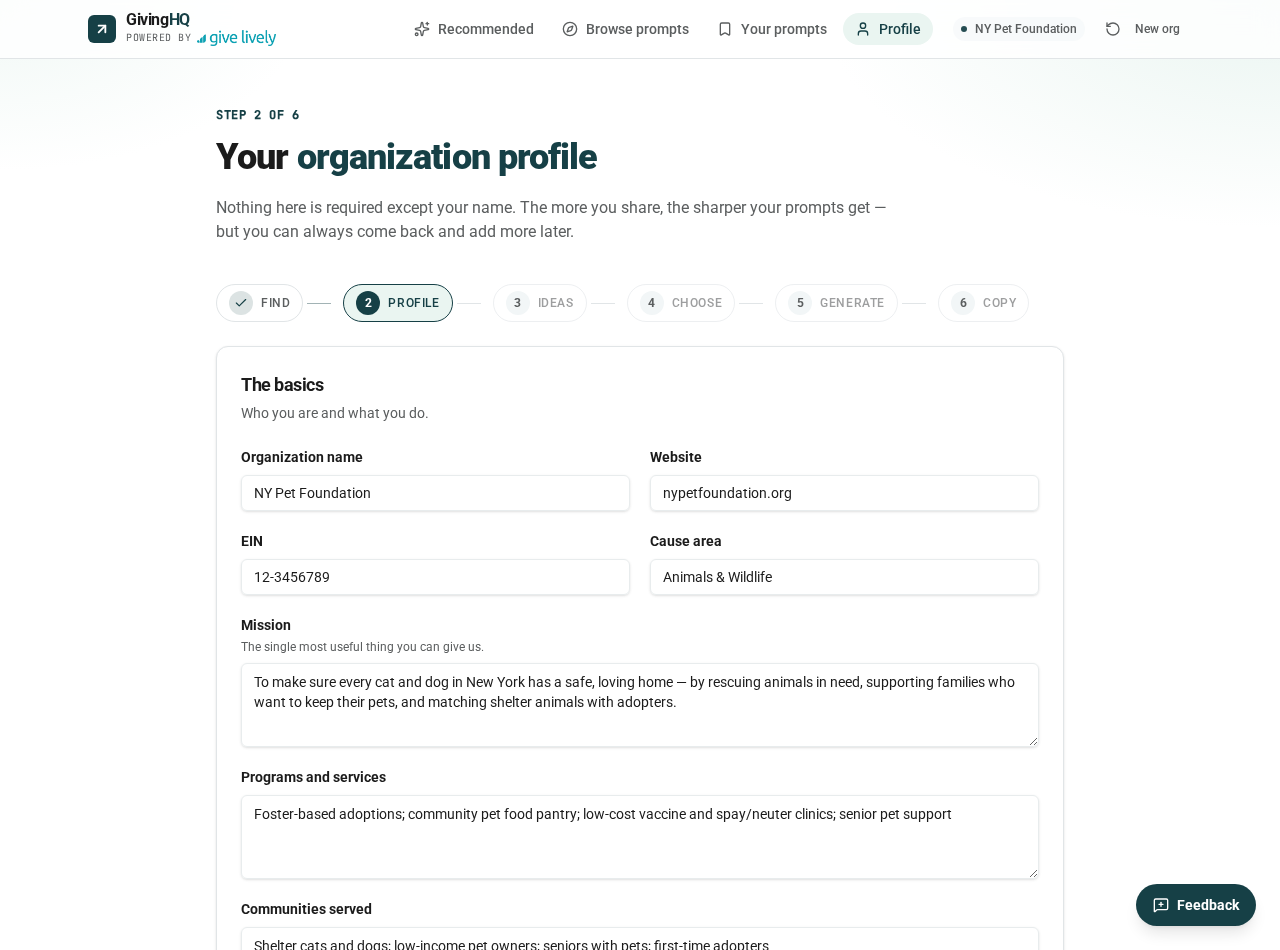
Once you pick your organization, Giving HQ pre-fills whatever it can find — your mission, cause area, programs, and more. Review it, correct anything, and add the human details only you know: who you talk to, how you sound, and what to avoid.
Nothing here is required except your name, but the more you share, the sharper your prompts get. This profile is automatically woven into every prompt you generate later.
See ideas recommended for you
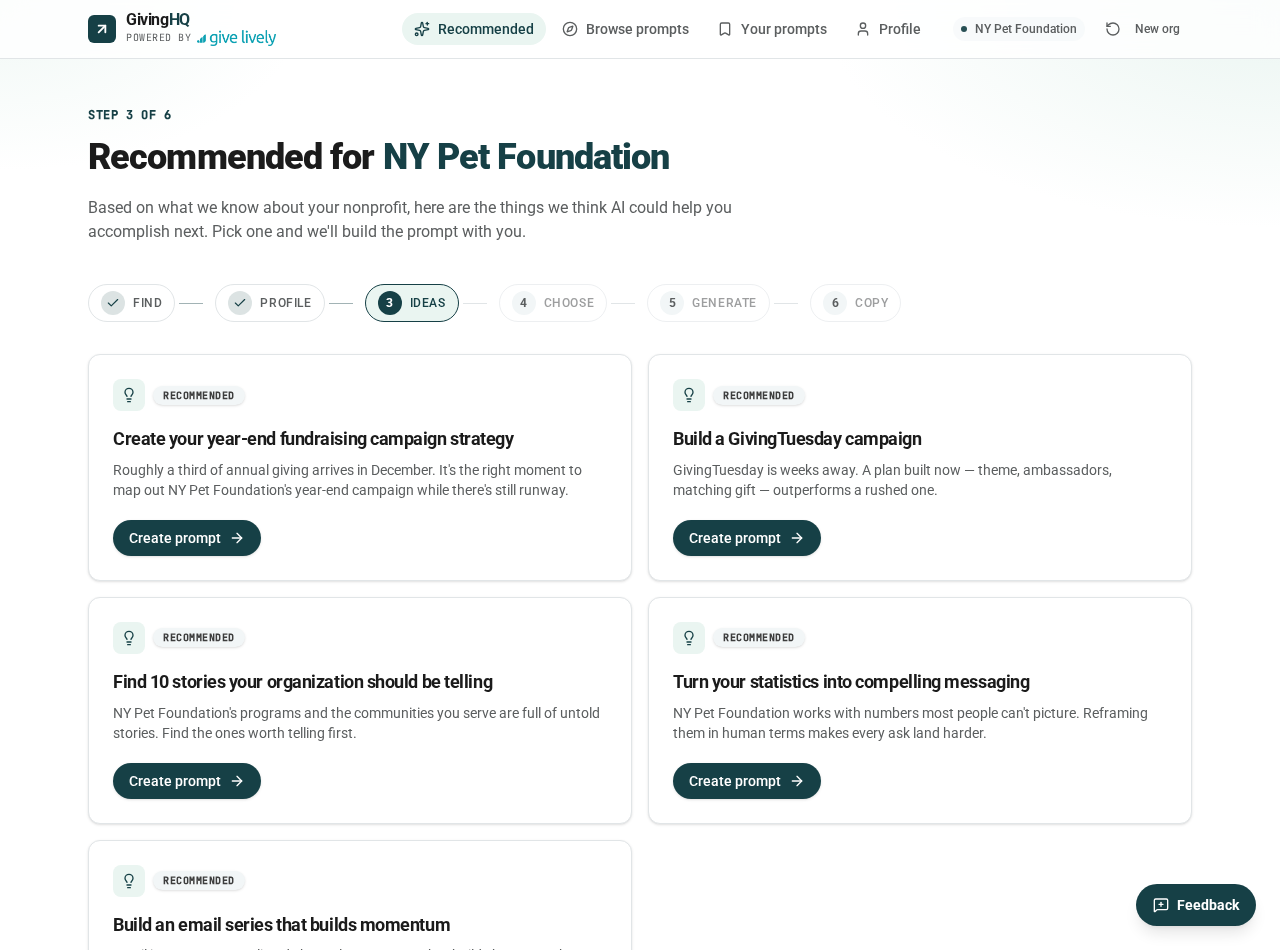
Based on your profile, Giving HQ suggests prompt ideas that fit your cause, your channels, and the time of year. For NY Pet Foundation, that means things like year-end appeals, foster recruitment, and donor thank-yous.
Think of this as a starting menu — you can pick one of these or browse the full library of prompt types.
Choose a task
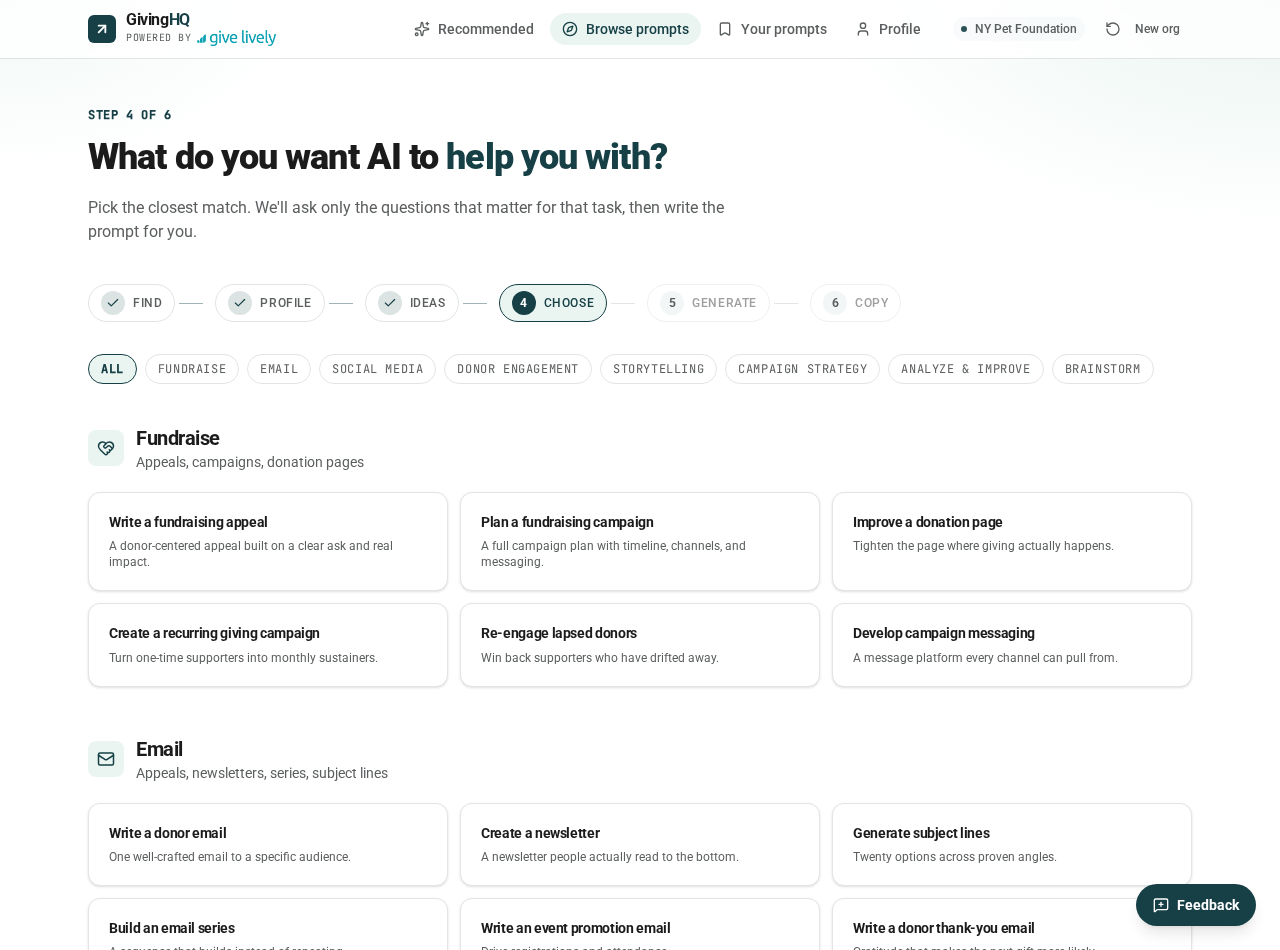
The full library is organized by category — Fundraise, Email, Social, Donor Engagement, Storytelling, and more. Each card explains what the prompt will help you create.
For this walkthrough, NY Pet Foundation chooses "Develop a year-end campaign."
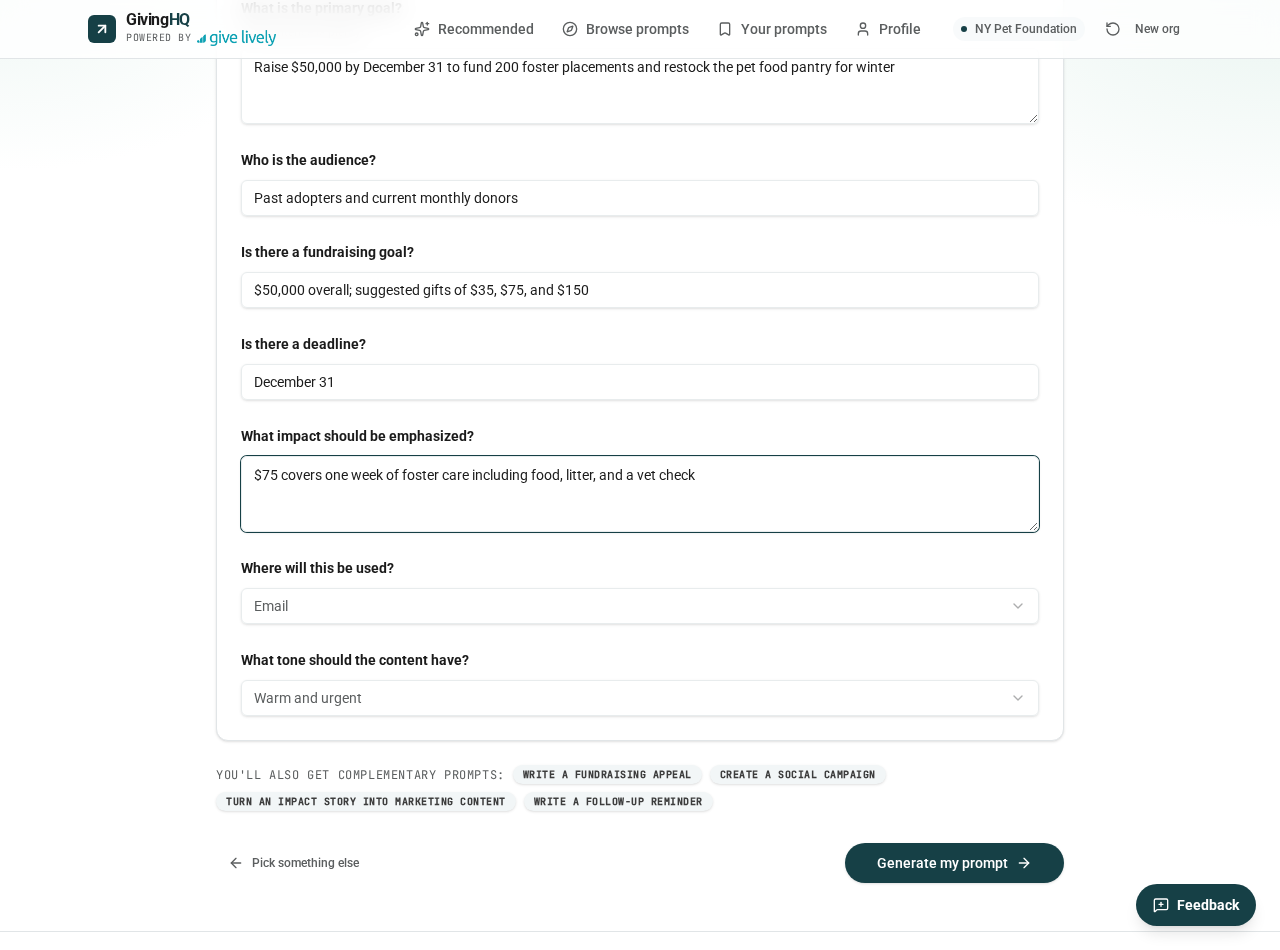
Answer a few questions
Before generating anything, Giving HQ asks a handful of focused questions about this specific task — your goal, your audience, your deadline, the impact of a gift.
These answers are what turn a generic prompt into one that knows you're raising $50,000 by December 31 to fund 200 foster placements. Two minutes here saves you twenty minutes of re-prompting later.
Get your prompts and put them to work
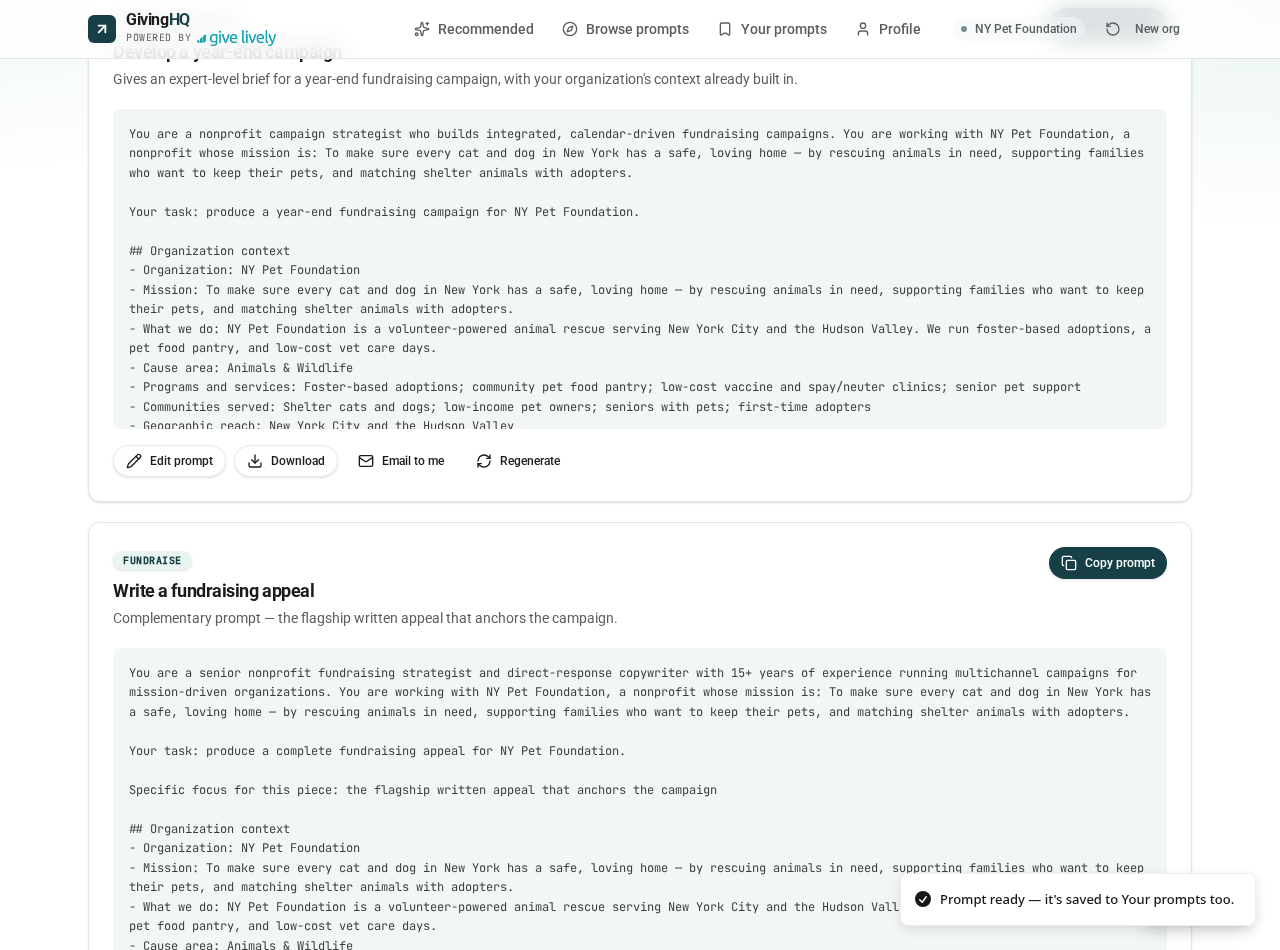
Hit generate and you'll get a set of complementary prompts — a campaign strategy brief, a fundraising appeal, social posts, and more — each one written with your organization's context already built in.
Copy any prompt straight into ChatGPT, Claude, or Gemini. Every prompt is also collected in "Your prompts" on this browser, where you can copy them all or download them as a single file to keep.
Ready to try it with your organization?
It's free — enter your email and you'll be generating tailored prompts in minutes.